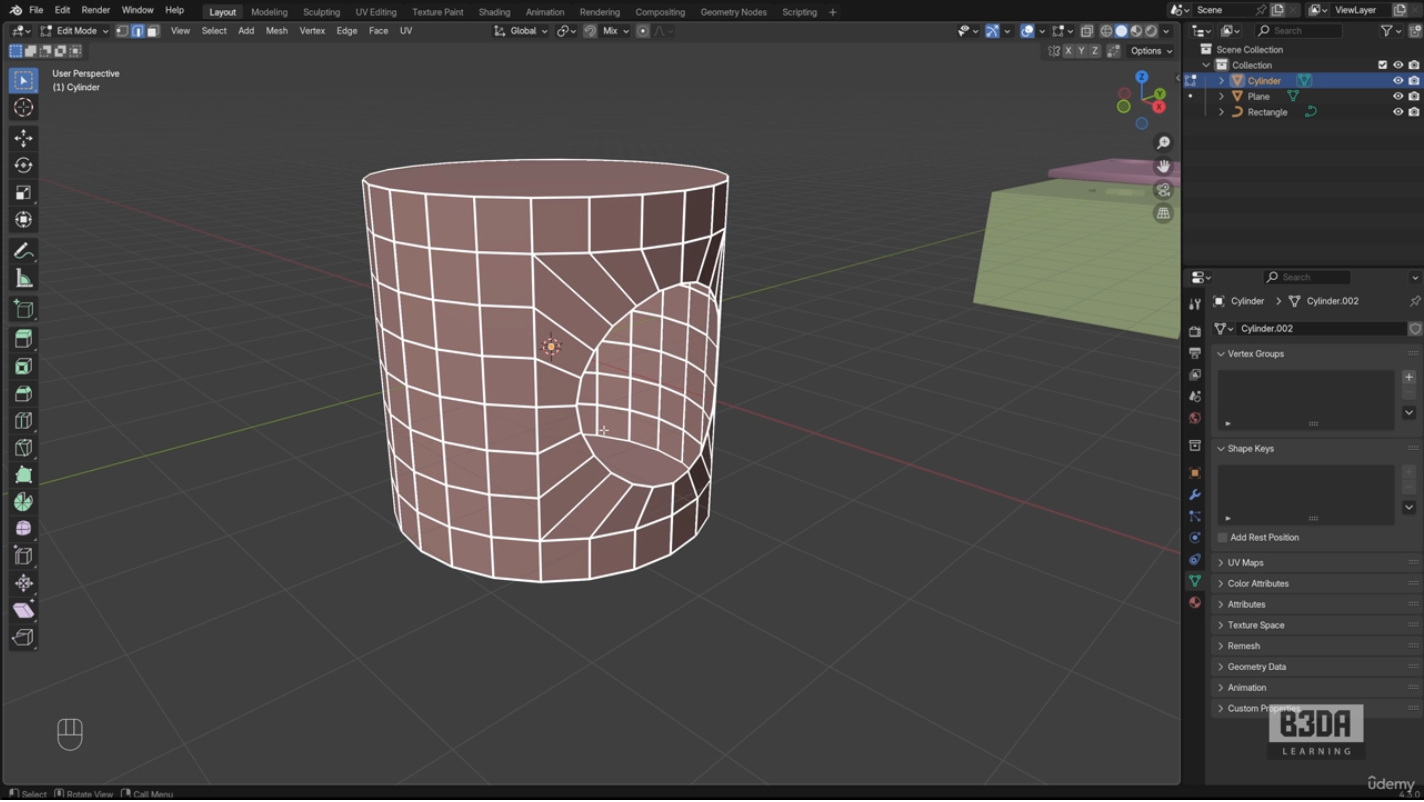
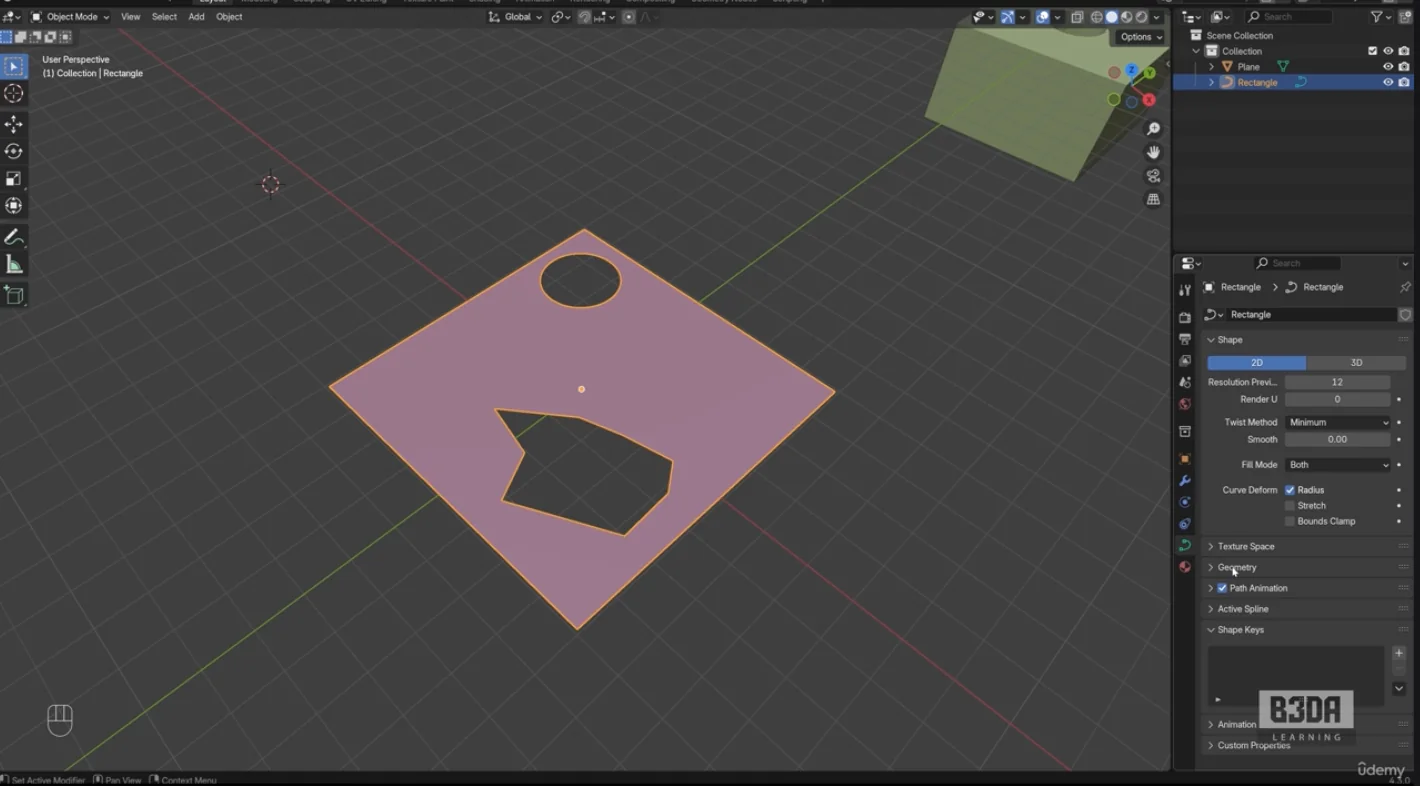
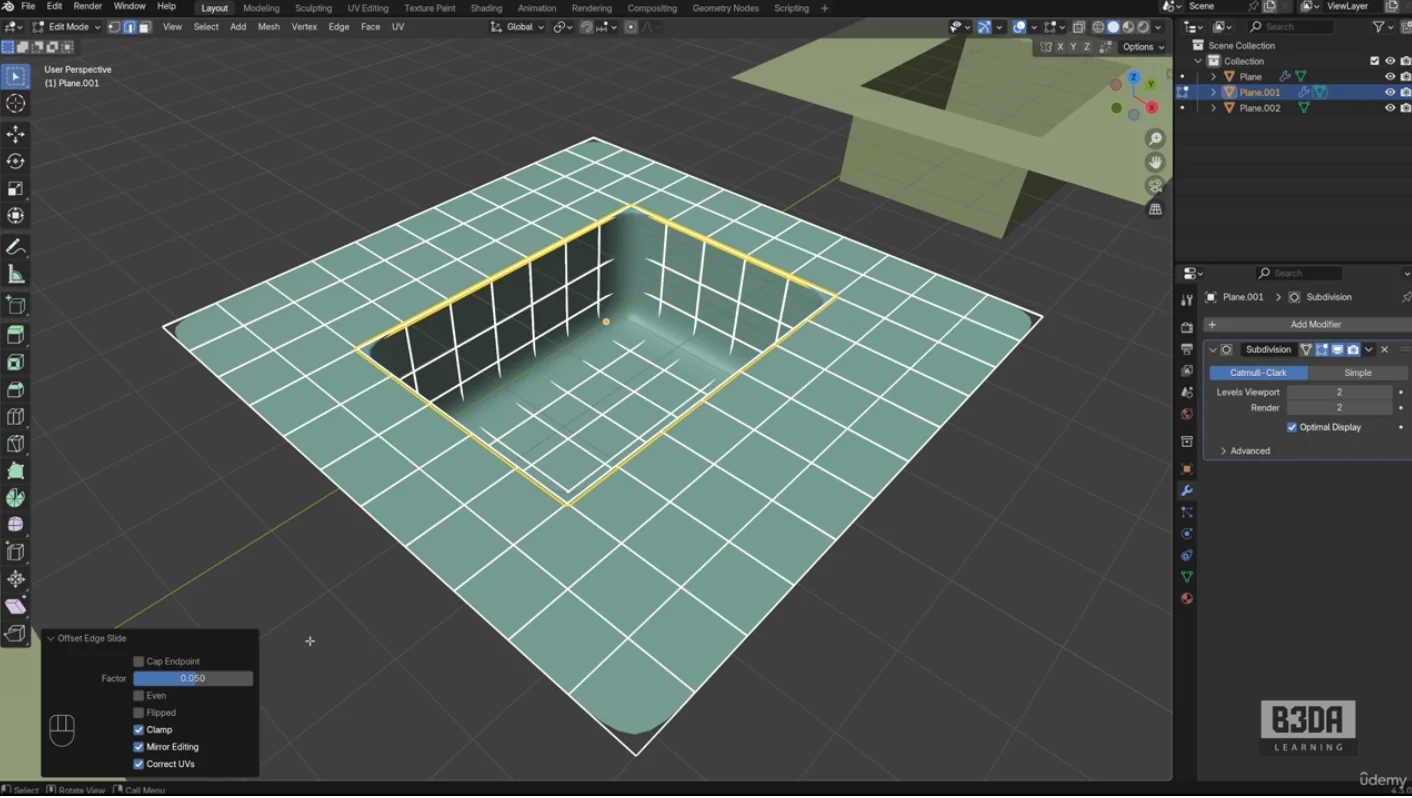
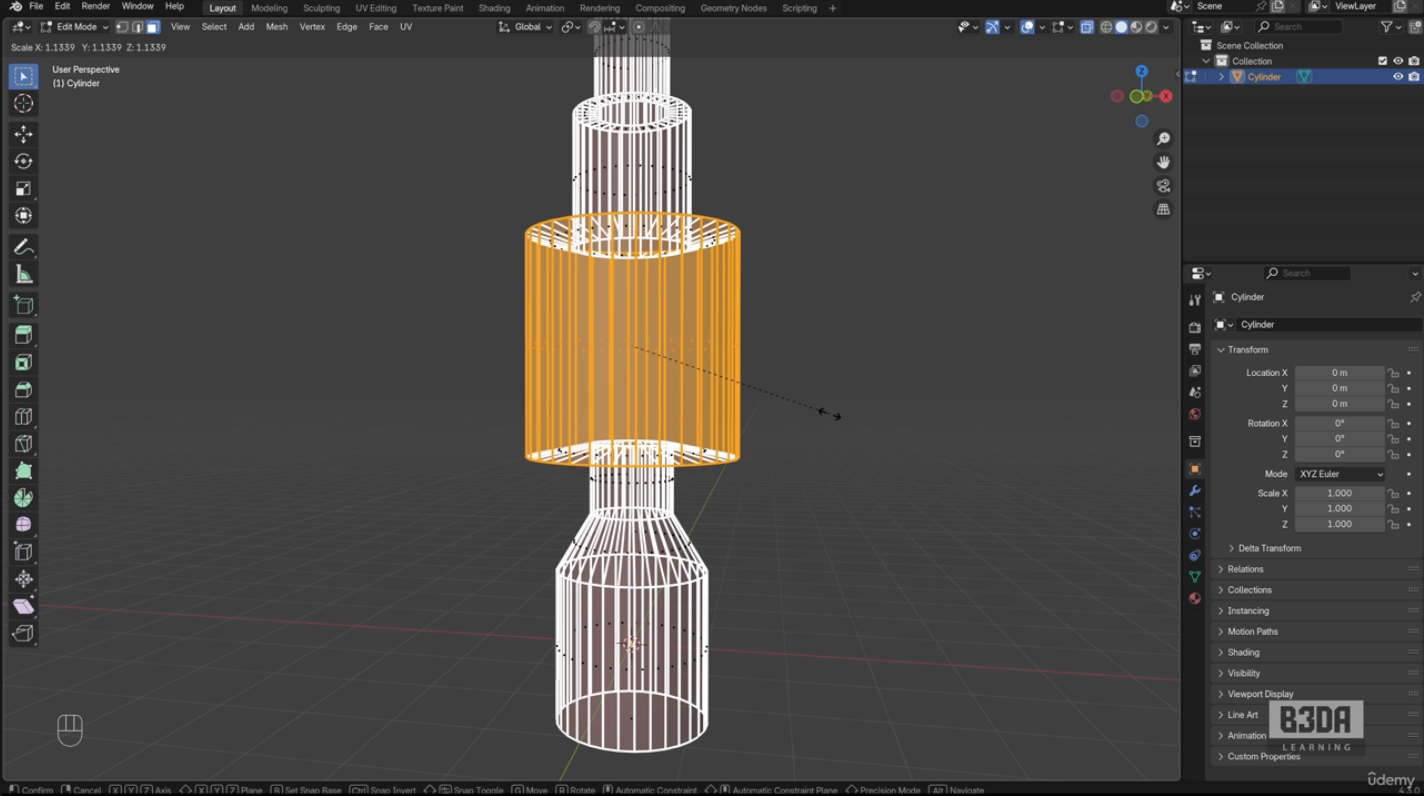
51B Opening Circular Holes in Mesh and Curve Objects 51 Opening Circular Holes in Mesh and Curve Objects50 Crease and Smoothed Edges49 Shrink and Fatten Circular Shapes48 Using the F2 Add-on47 Cutting objects with the Knife Project46 Deforming with the Curve Modifier45 Profile based Modeling with Curves44 Using Curves with References43 Reference Images for Modeling42 Using the Extra Curve Objects41 Modeling with Curves40 Solidify Modifier39 Screw Modifier38 Boolean Modifier37 Array Modifier36 Mirror Modifier35 Subdivision Surface Modifier34 Adding and managing Modifiers33 Round Shapes with the Spin tool32 Insets for 3D Objects 31 Bevels for 3D Models30 Separating and Joining Mesh Parts29 Creating Mirrored Models28 Working with the Loop Cut to segment Meshes27 Modeling a Low Poly Chair26 Creating New Shapes with Extrudes25 Selection Options and the X-Ray toggle22 Transformations with Snaps19 Duplicating Objects and Transformations18 Transforming with Shortcuts17 Transformations with the Widgets16 Selection Options and Active Object15 Enabling the Extra Objects14 Adding New Objects and Editing Properties13 Moving the 3D Cursor with the Snap12 What is the 3D Cursor?5 Viewport Shading and Shortcuts4 3D Navigation and Shortcuts2 Blender UI and Editors